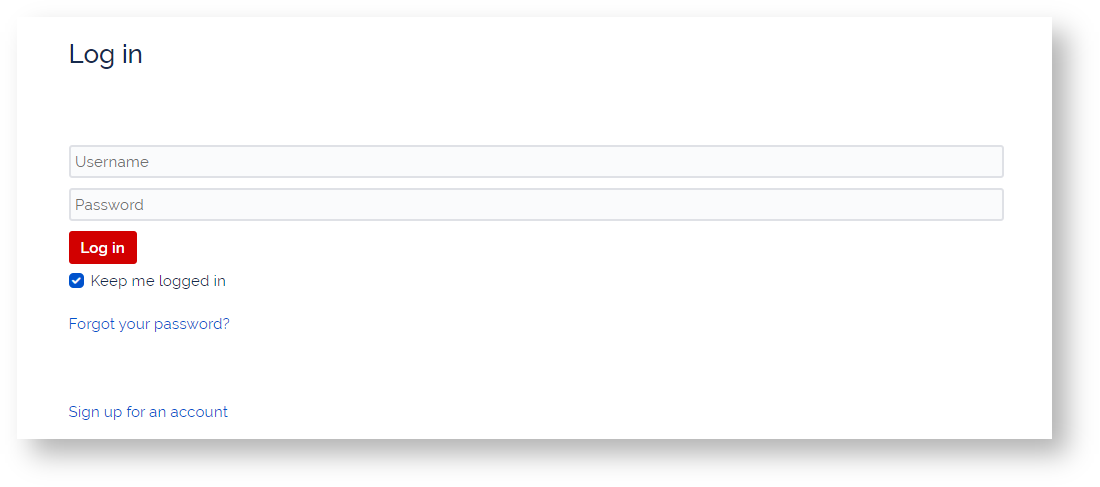
With so many passwords to remember, we've kept it easy to reset you password in the event you forget or need to reset it.
Follow the steps below to get started with a fresh password and feel free to update as needed.
Step-by-step guide
- Visit support.plaudit.com
- Click "Forgot Your Password?"
- Enter Username and Submit
- Check Email for Password Reset link - be sure to check spam folders
- Click Reset Link in Email
- Reset New strong password that uses upper and lower case letters, as well as symbols and more than 8 characters.
If you run into issues or cannot recall your Username, feel free to reach out by calling or emailing support@plaudit.com.