Step-by-step guide
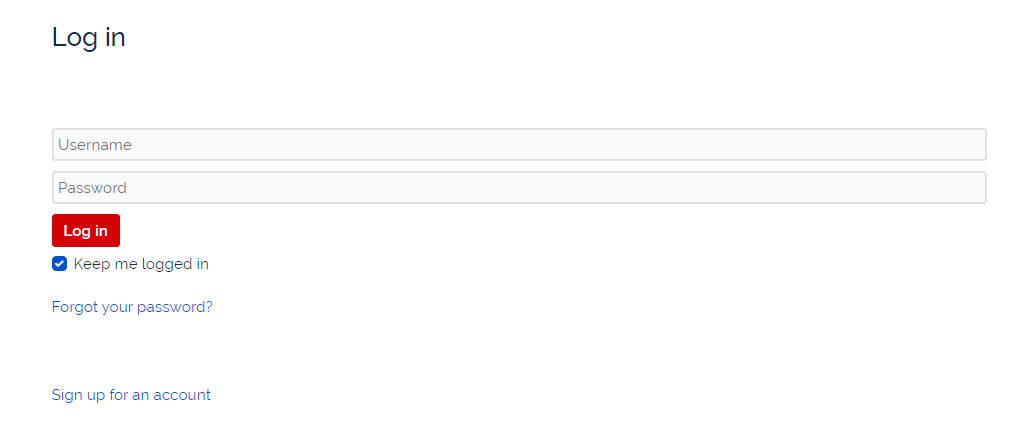
- Visit support.plaudit.com
- Click "Forgot Your Password?"
- Enter username; Submit
- Check Email for Password Reset link - be sure to check spam folders.
- Click link in Email
- Reset New strong password that uses upper and lower case letters, as well as symbols and more than 8 characters.
Related articles
Related articles appear here based on the labels you select. Click to edit the macro and add or change labels.
