
With so many passwords to remember, we've kept it easy to reset you in the event you forget or need to reset it. Follow the steps to regain access and set a new password.
Steps
| Widget Connector | ||
|---|---|---|
|
- Submit Form - Go to https://support.plaudit.com/forgotpassword and enter your email address in the "Username" field and click "Email me".
- Check Email - Check your inbox for an email with the subject "Plaudit - Reset your password". Click the "Reset my password" button in the email. (Please note that there may be a few minutes delay in the email being delivered.)
- Set New Password - The button in the email will bring you to a page to enter a new password.
If you run into issues please feel free to reach out by phone (651) 646-0696 or email support@plaudit.com.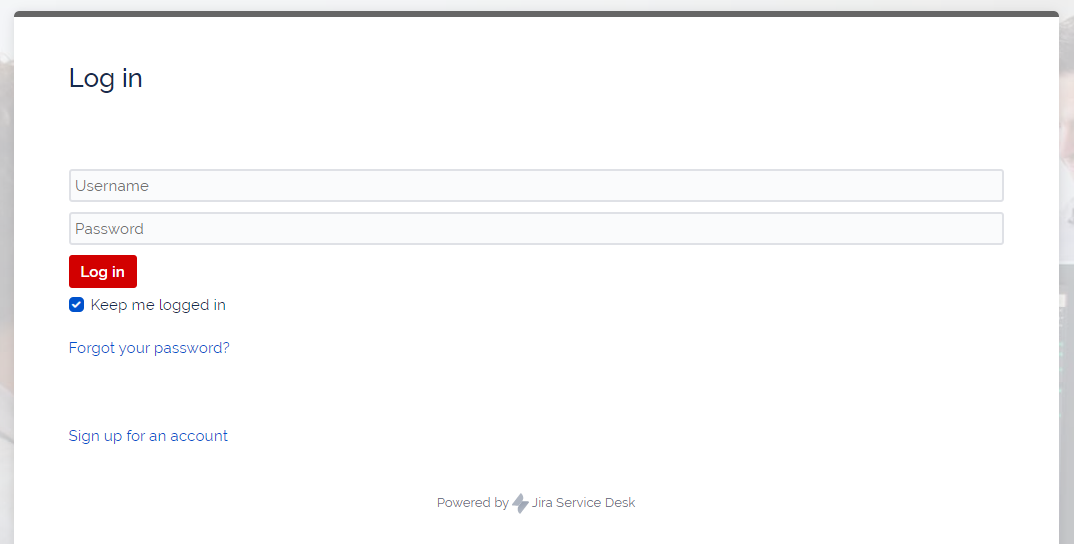
Related Articles
...