
With so many passwords to remember, we've kept it easy to reset you
...
in the event you forget or need to reset it.
...
Follow the steps
...
mount+ mount mysql nano+ ncat
ncat;
php
pkg_info
| Info |
|---|
Step-by-step guide
If you run into issues or cannot recall your Username, feel free to reach out by calling or emailing support@plaudit.com. |
| Info | ||
|---|---|---|
| ||
INSERT LOOM VIDEO HERE |
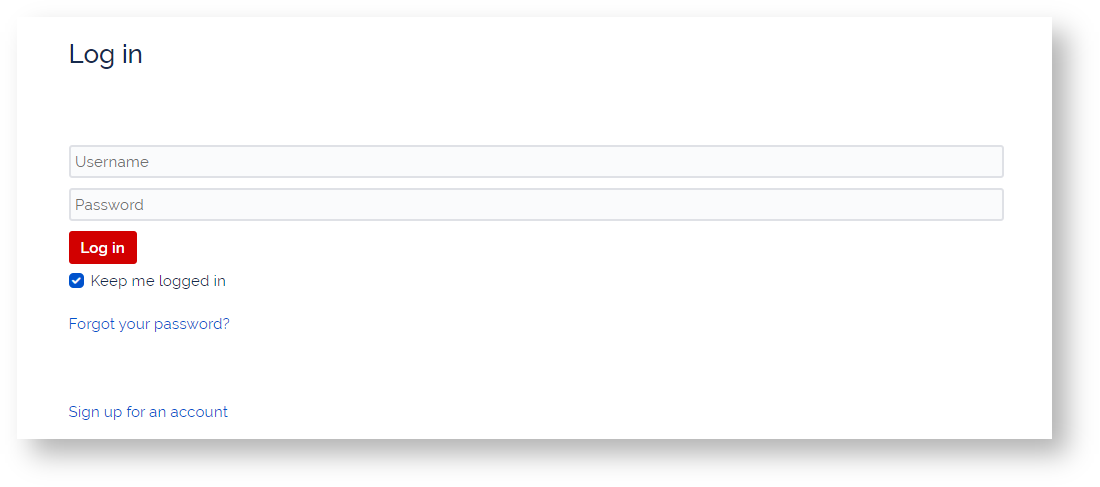
...
to regain access and set a new password.
Steps
- Submit Form - Go to https://support.plaudit.com/forgotpassword and enter your email address in the "Username" field and click "Email me".
- Check Email - Check your inbox for an email with the subject "Plaudit - Reset your password". Click the "Reset my password" button in the email. (Please note that there may be a few minutes delay in the email being delivered.)
- Set New Password - The button in the email will bring you to a page to enter a new password.
If you run into issues please feel free to reach out by phone (651) 646-0696 or email support@plaudit.com.
Related Articles
| Content by Label | ||||||||||||||||
|---|---|---|---|---|---|---|---|---|---|---|---|---|---|---|---|---|
|
...
|
...
| hidden | true |
|---|
...