Skip to content
Skip to breadcrumbs
Skip to header menu
Skip to action menu
Skip to quick search
Linked Applications
Loading…
Plaudit - Wiki
Plaudit - Wiki
Spaces
Hit enter to search
Help
Online Help
Keyboard Shortcuts
Feed Builder
What’s new
Available Gadgets
About Confluence
Log in
Customer Service Desk
Pages
Blog
Page tree
Browse pages
Configure
Space tools
View Page
Page History
Page Information
View in Hierarchy
View Source
Export to PDF
Pages
Plaudit Service Desk Knowledge Base
Service Desk - Reset Your Forgotten Password
Page History
Versions Compared
Old Version
17
changes.mady.by.user
Ellie Schmidt
Saved on
2020-04-02
compared with
New Version
18
changes.mady.by.user
Ellie Schmidt
Saved on
2020-04-02
Previous Change: Difference between versions 16 and 17
Next Change: Difference between versions 18 and 19
View Page History
Key
This line was added.
This line was removed.
Formatting was changed.
Info
Step-by-step guide
Visit
support.plaudit.com
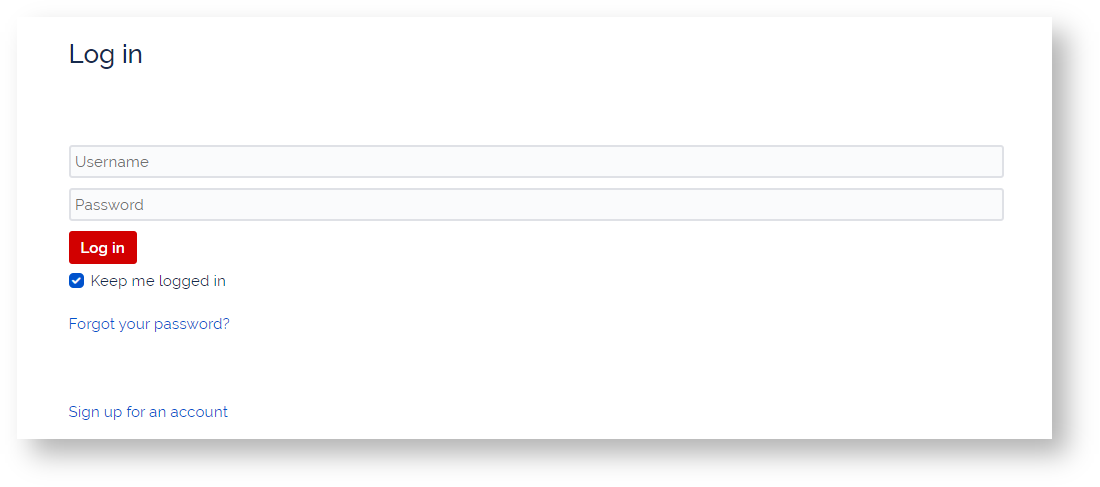
Click "Forgot Your Password?"
Enter username; Submit
Check Email for Password Reset link - be sure to check spam folders.
Click link in Email
Reset New strong password that uses upper and lower case letters, as well as symbols and more than 8 characters.
support.plaudit.com
INSERT VIDEO HERE
Related articles
Content by Label
showLabels
false
max
5
spaces
DESK
showSpace
false
sort
modified
reverse
true
type
page
cql
label = "kb-how-to-article" and type = "page" and space = "DESK"
labels
kb-how-to-article
Page properties
hidden
true
Related issues
Overview
Content Tools
{"serverDuration": 47, "requestCorrelationId": "b3197207c590ef32"}